Today
A command centre for the day
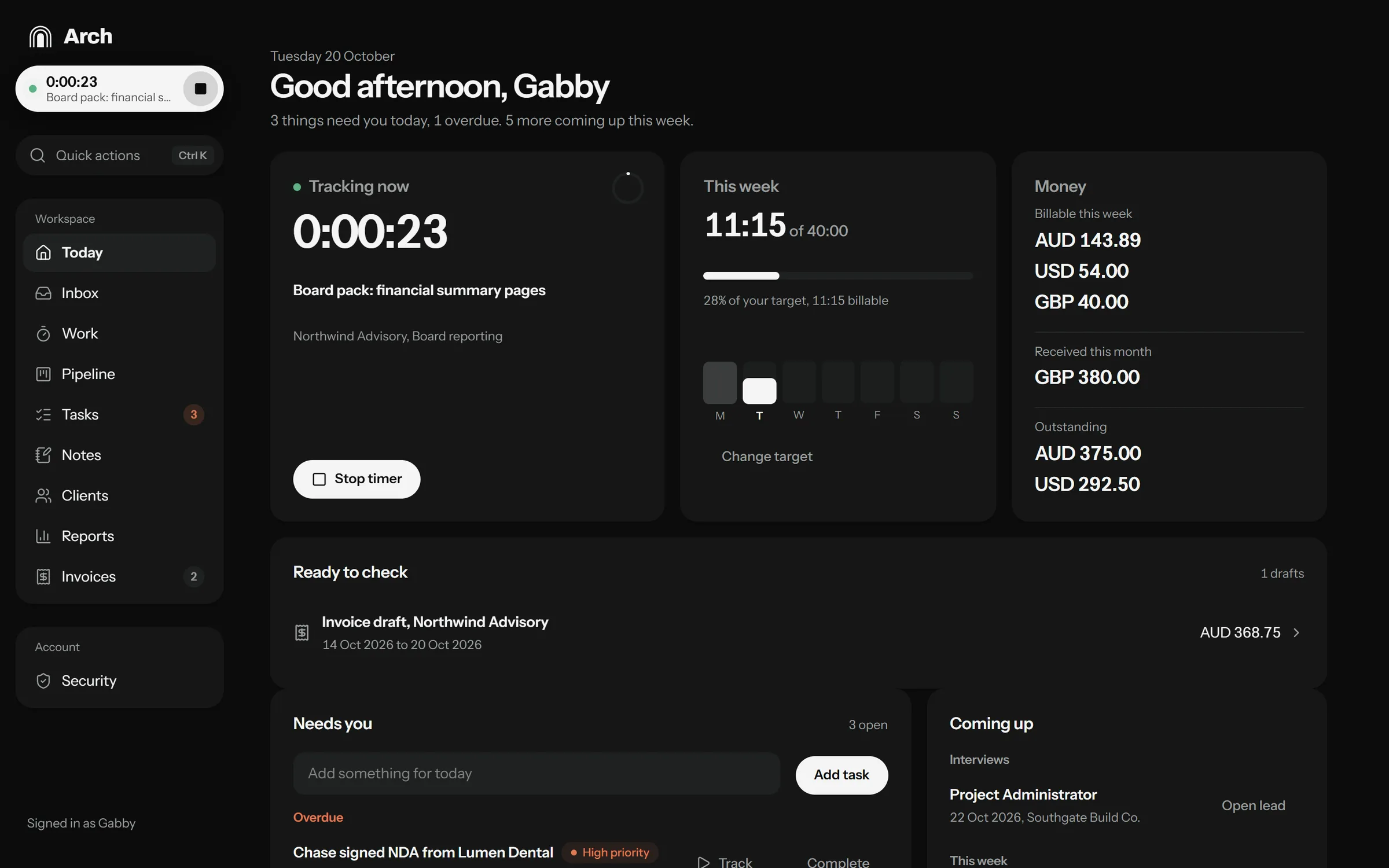
A greeting with what needs me today, the running timer, hours against my weekly target, and money billed, received and outstanding. Drafts waiting for my check sit at the top.
Case study · Featured project
Automation, Records, Clients and Hours
My private system for running freelance work end to end, from finding the next role to getting paid and proving results. I planned and designed it, and I run my business on it every day.
Screens show demo data. Arch is private, so the live app opens to a sign-in page.
Why I made it
Finding work, winning it, doing it, getting paid and proving it lived in browser tabs, inboxes, spreadsheets and memory. Things slipped between them.
A missed follow-up loses a role. An unbilled week is lost money. Nobody else tracks these for a freelancer, so they depended on me remembering.
Give my own business the support I give a CEO. One place that knows my priorities, closes open loops and prepares the routine work for me to check.
Arch opens on what needs me today. Hours become invoices, finished tasks become weekly reports, and every lead has a next step and a date.
Design principles
01
The first screen answers one question, what needs me now, instead of showing a wall of charts.
02
Logging a task, a lead or an hour has to be faster than not logging it, from a keyboard shortcut or a phone.
03
Arch drafts invoices, reports and reminders. Nothing is sent, deleted or marked paid without my approval.
04
The history shows what changed and why, and anything automatic can be reversed.
What it does
Today
A greeting with what needs me today, the running timer, hours against my weekly target, and money billed, received and outstanding. Drafts waiting for my check sit at the top.
Time tracking
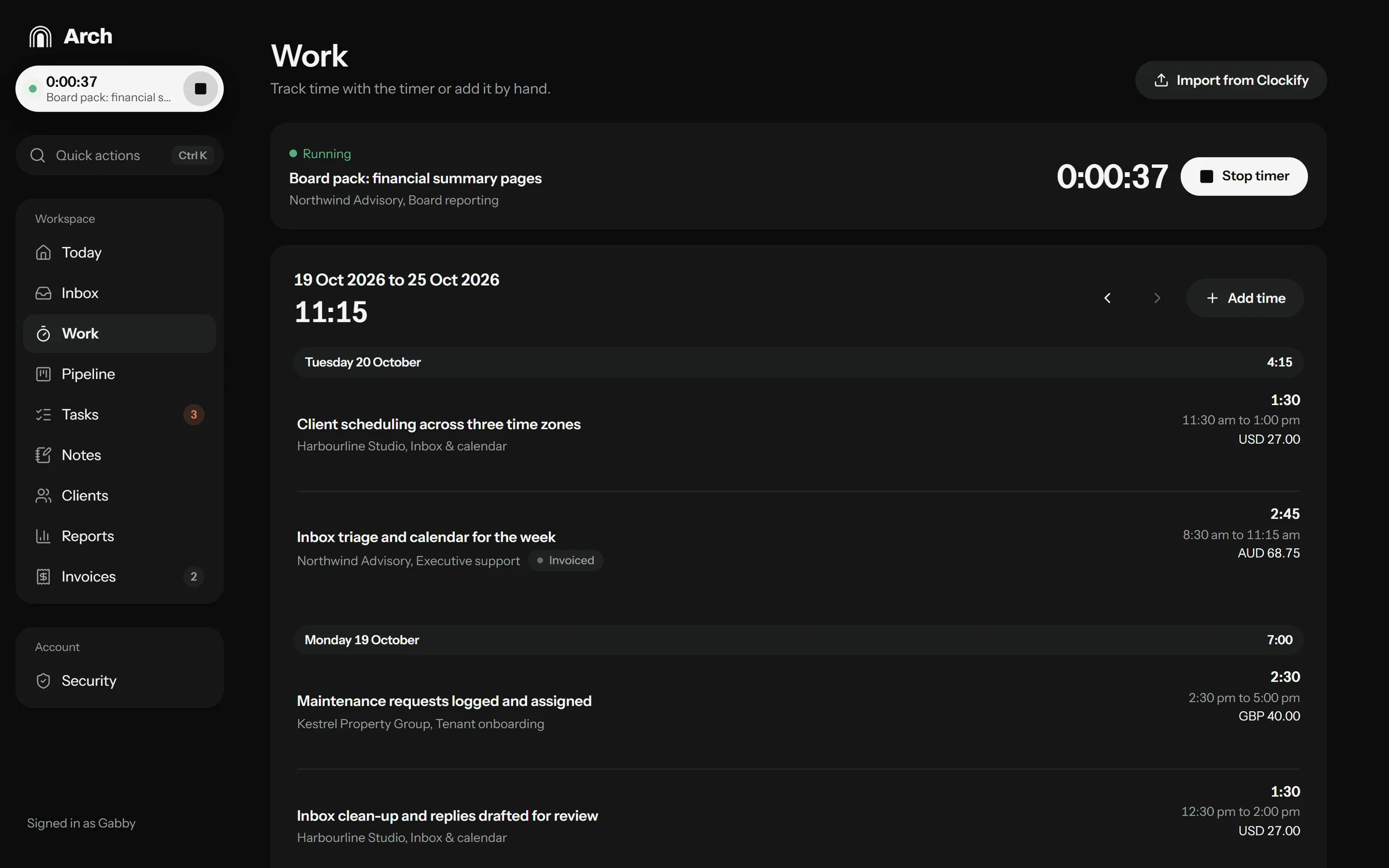
A timer I can start from anywhere, time added by hand, entries grouped by day with their value, and an importer that brings in past hours from Clockify without duplicates.
Invoices
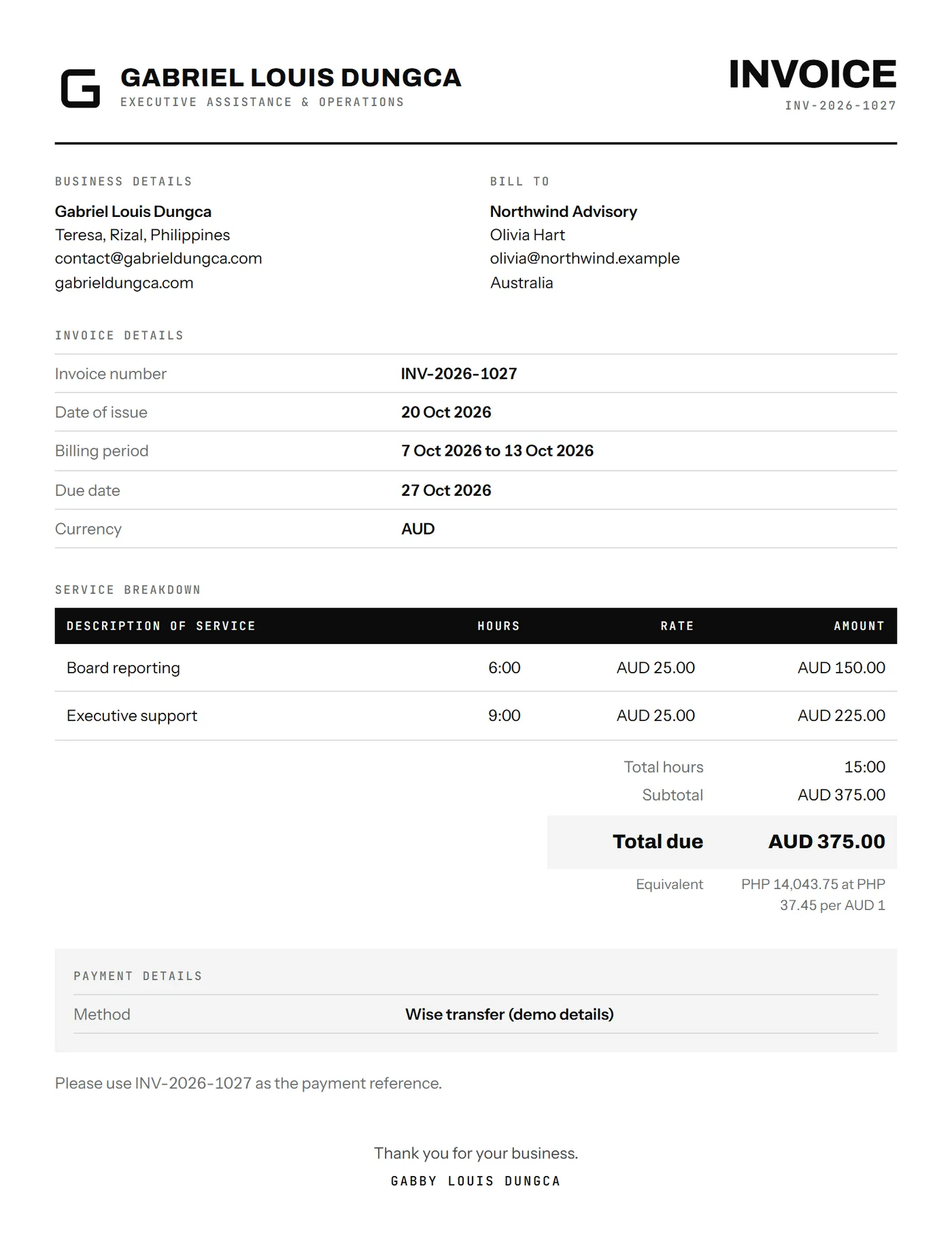
A draft is ready on the last day of each billing period, built from tracked time. Balances and credits carry over, an optional peso equivalent is shown, and each invoice downloads as PDF, Word or Excel.
Weekly reports
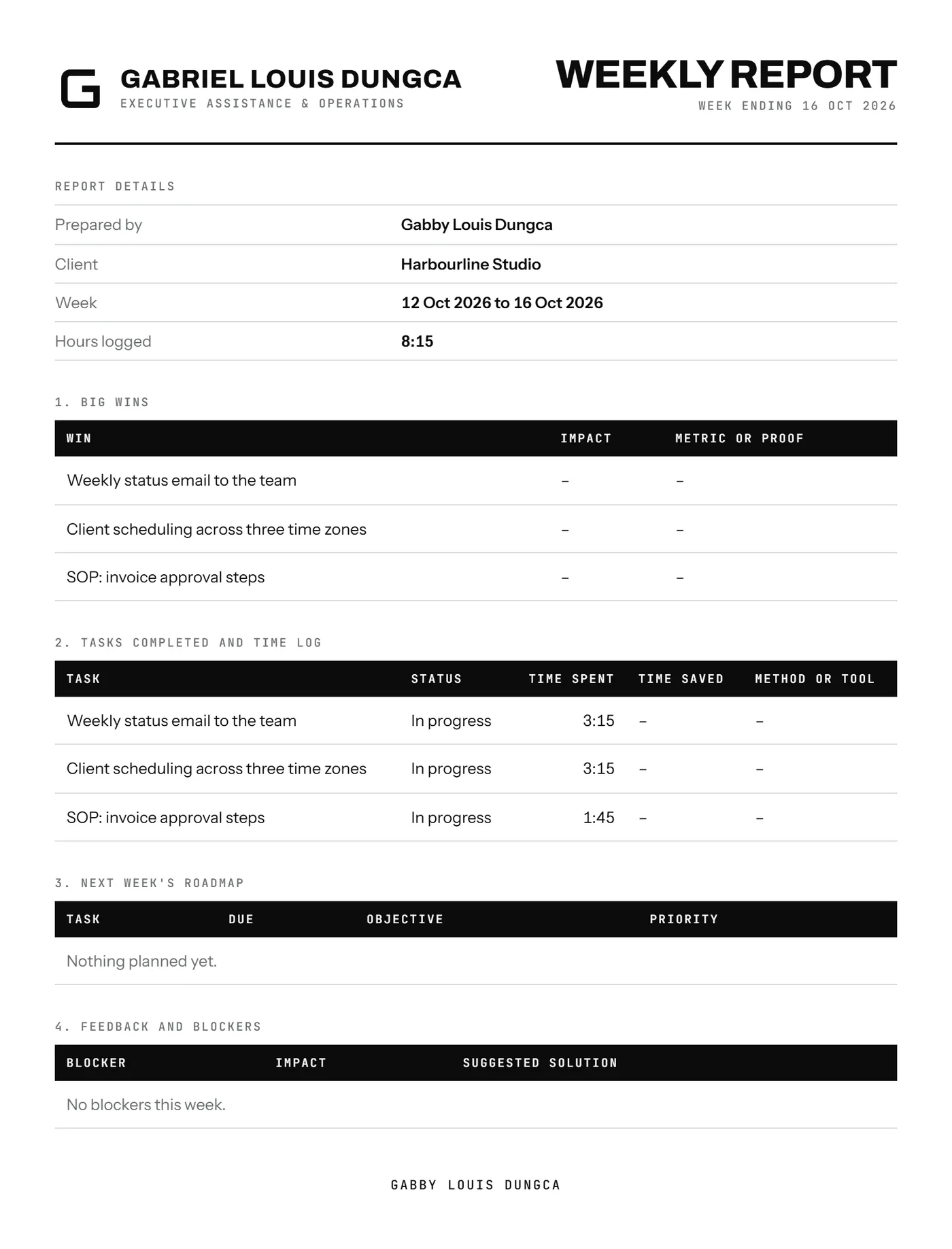
Every Friday Arch drafts a report for each client from the week's time and finished tasks. I add the impact, then send it as a branded PDF or Word file.
Pipeline
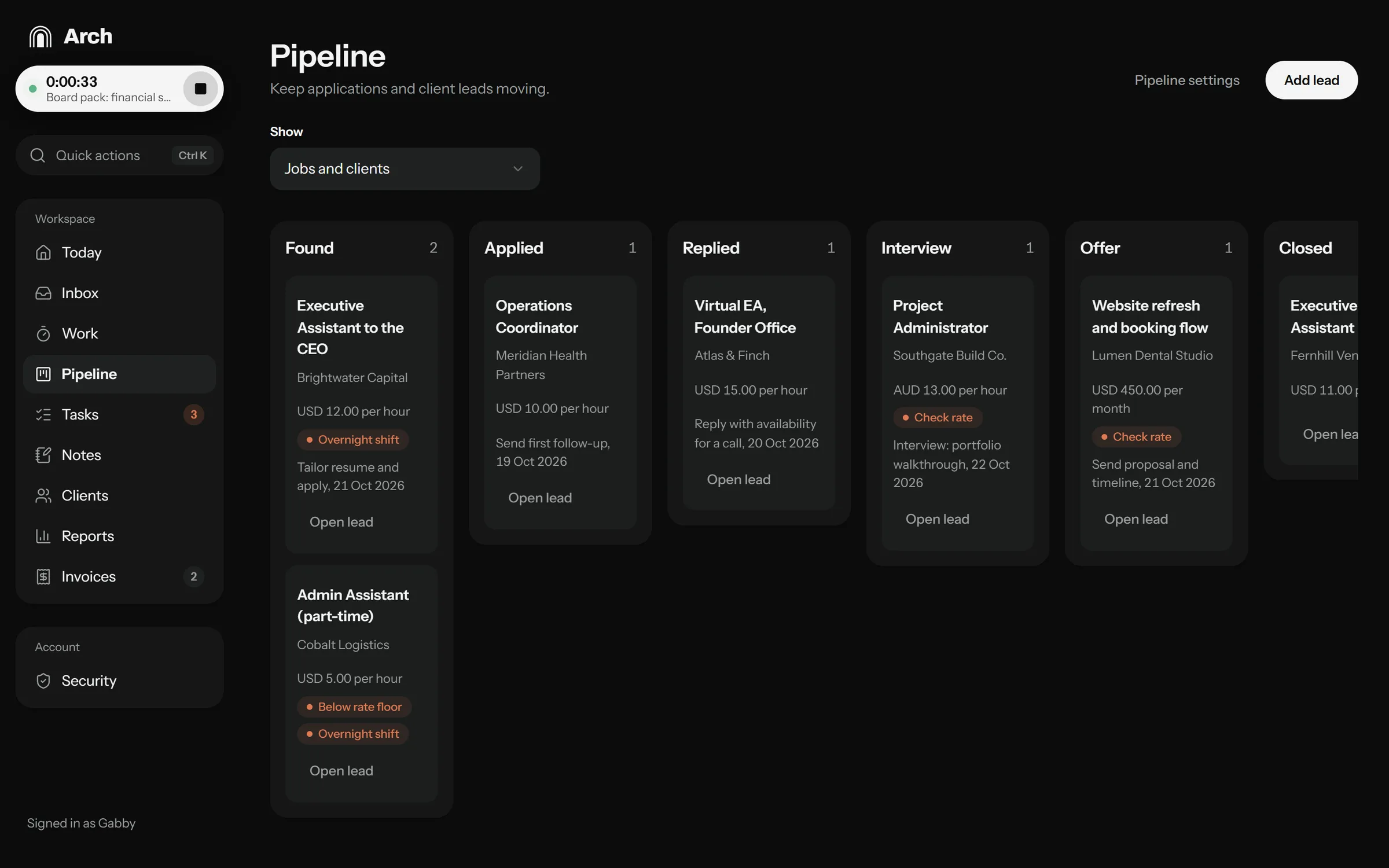
Job applications and client leads on one board, from Found to Offer. Arch flags rates below my floor and roles that would mean overnight shifts, and reminds me when a follow-up is due.
Quick actions
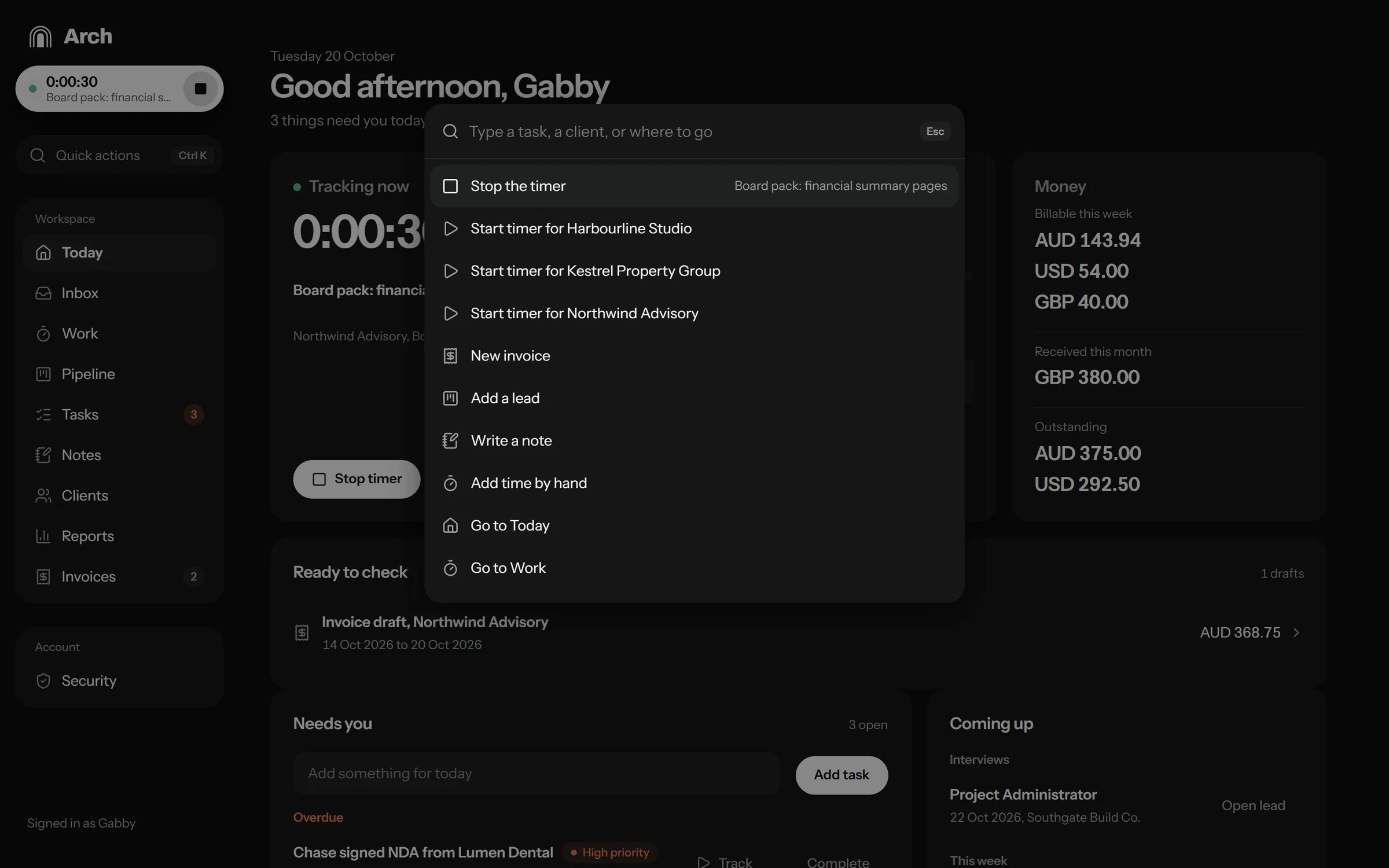
Ctrl K opens one search for every action. Start a timer for a client, add a task for today, write a note or jump to any screen.
On the phone
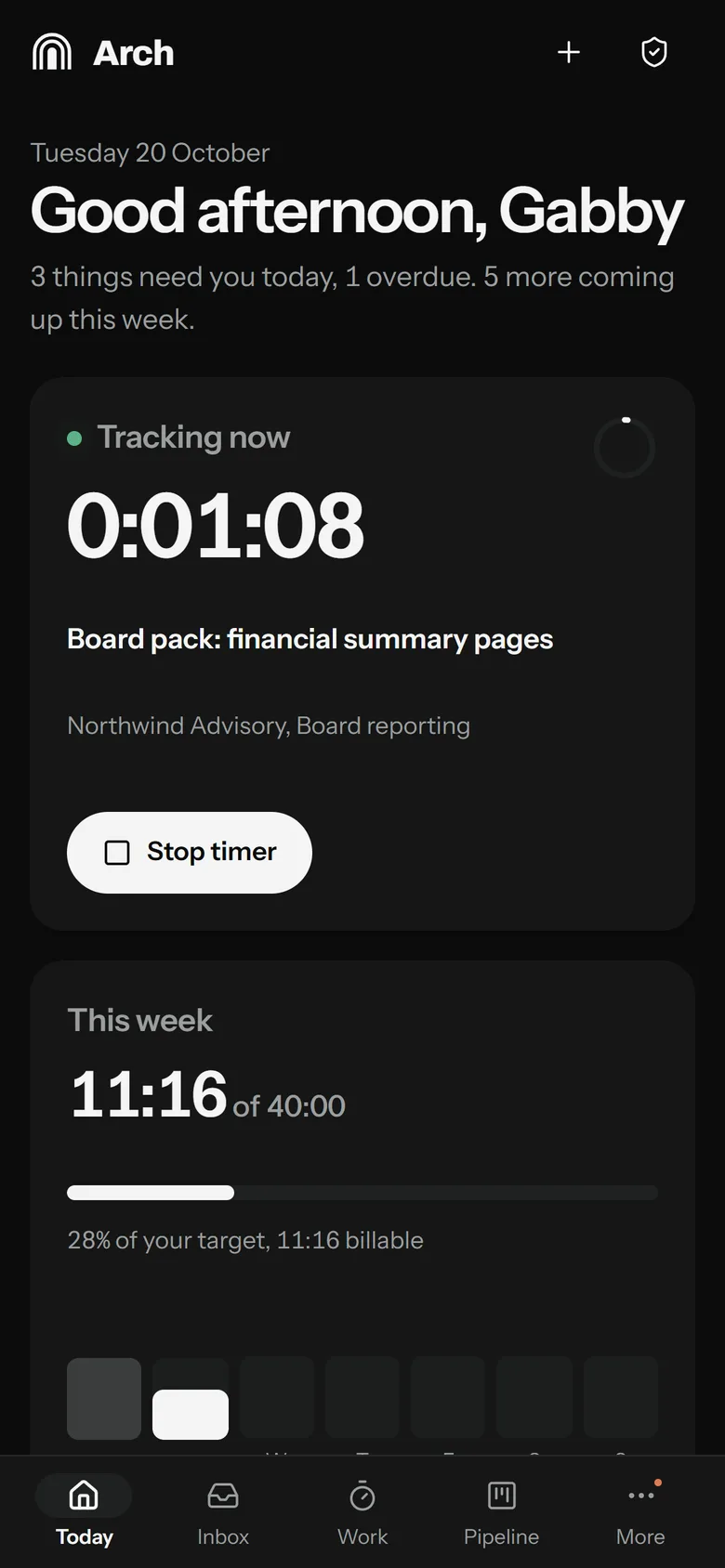
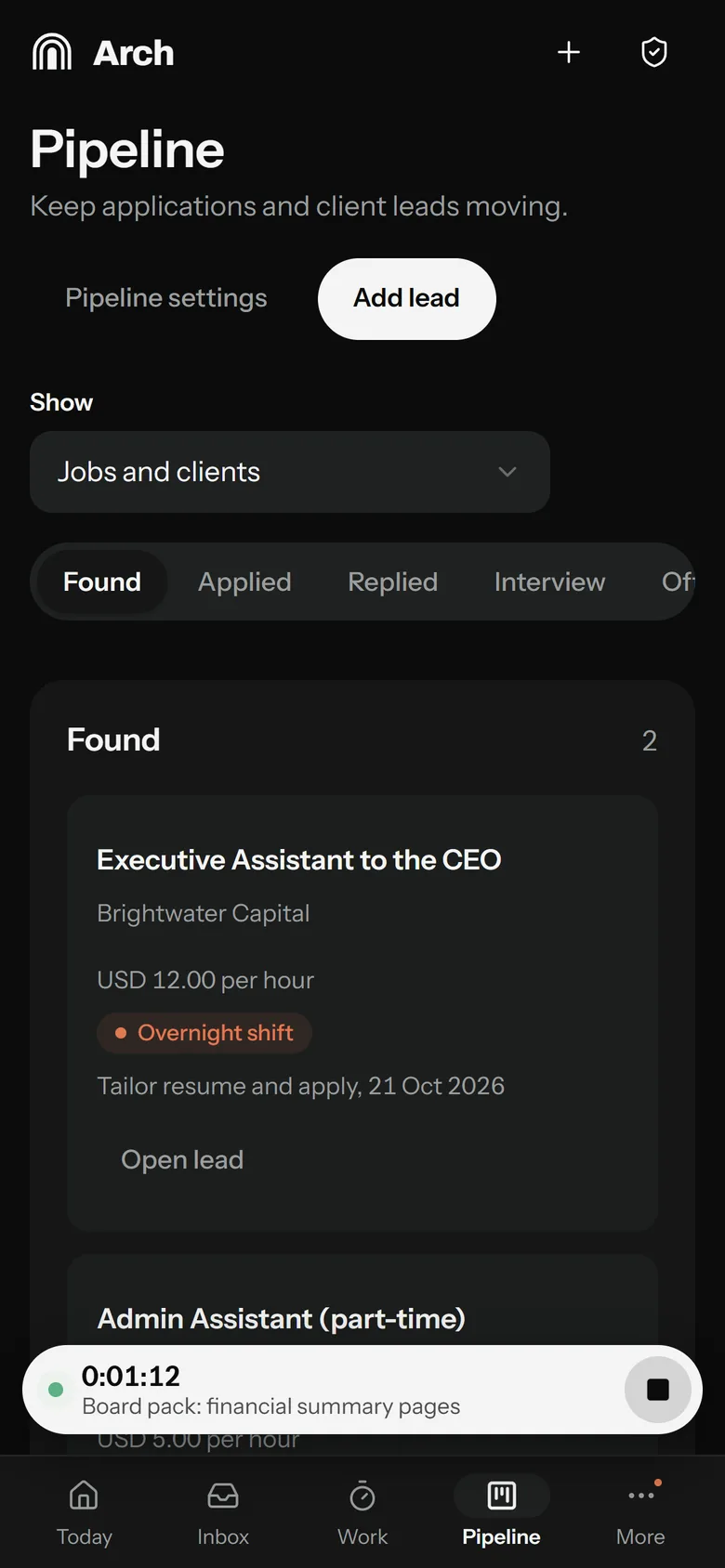
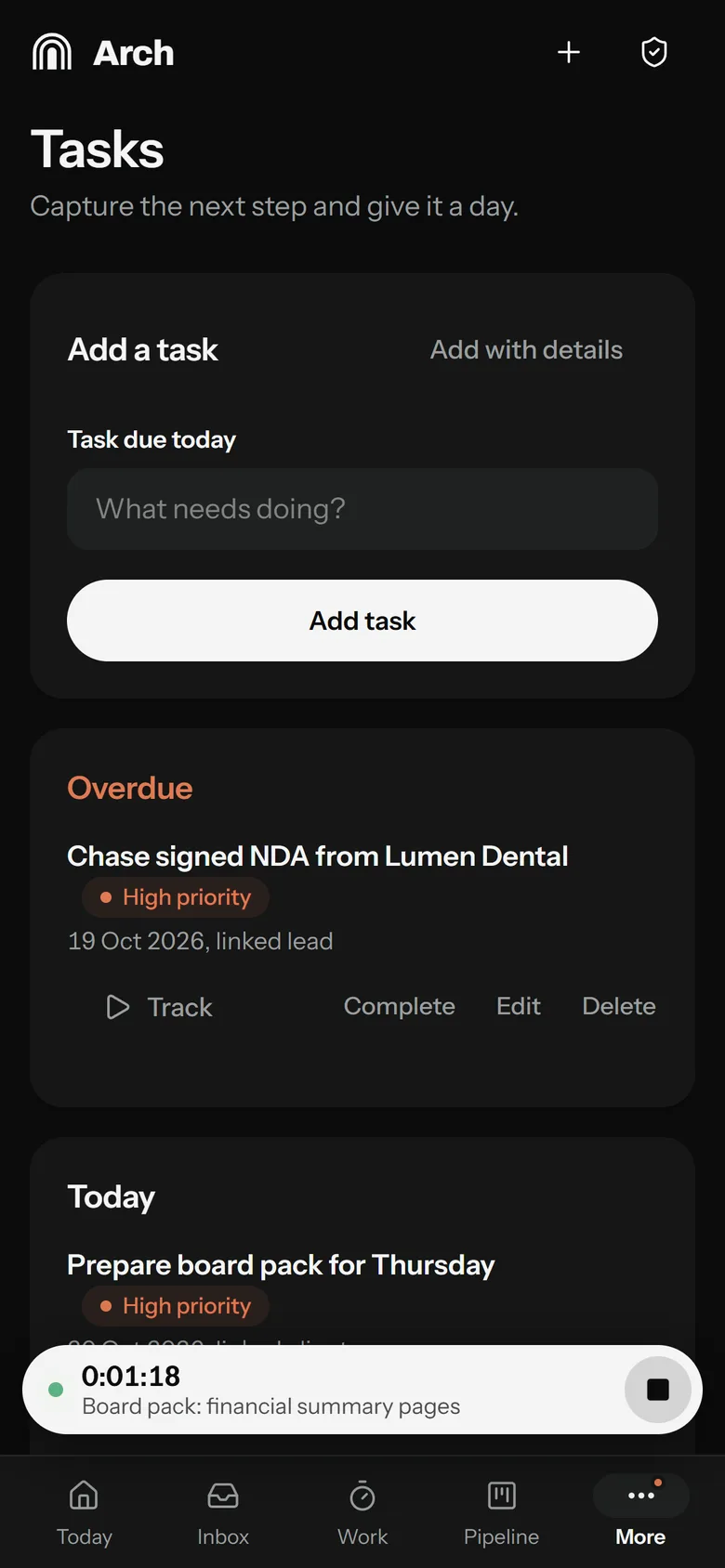
Arch installs like an app. The phone is for quick capture and the running timer; the desktop is for review and planning. Reminders arrive as notifications and stay quiet overnight.
How it is run
No passwords to steal. I sign in with my fingerprint or device PIN, and recovery codes cover a lost device.
Each account has its own private database. Business data never sits in the code.
Everything is backed up every night with my own backup password and kept for 30 days.
Every change is checked automatically and tried on a separate staging copy before it reaches the live app. Any release can be rolled back.
What's next
Having trouble viewing it here? Open preview in a new tab